Targeted input
Prompt exactly the panes you choose.
Focus one agent, select a team, or broadcast to the grid without accidental cross-pane input.
Open source local agent workspace
Launch, authenticate, isolate, monitor, and coordinate your entire CLI agent stack while every session stays a real terminal.
GridBash gives agent-heavy development one shared control surface without flattening every session into the same context.
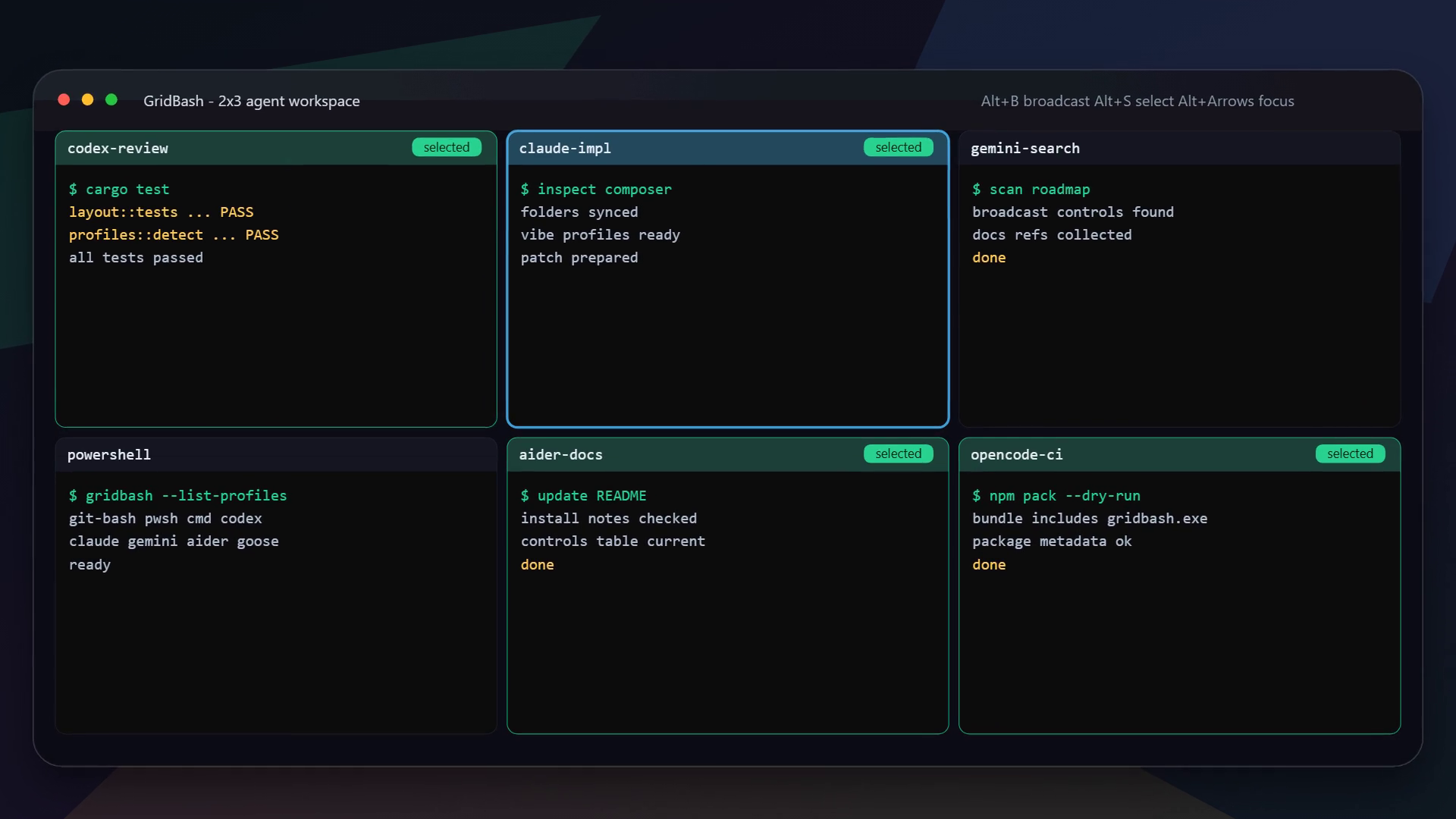
GridBash keeps every agent independent while giving you one fast place to direct the work.
Targeted input
Focus one agent, select a team, or broadcast to the grid without accidental cross-pane input.
Real PTYs
Full interactive sessions through ConPTY on Windows and native PTYs on Linux and macOS.
Worktrees
Give each pane an isolated repo-local checkout with one flag.
Manager goals
Manager goals review live pane output and route focused follow-ups across your current grid.
From zero to grid
No daemon, product account, or cloud workspace required.
The npm registry can temporarily trail a GitHub release. Check the current package version, or use the matching Windows, Linux, or macOS artifact from GitHub Releases.
npm version badge | latest release artifacts
Use the animated setup screen or launch straight into a layout.
gridbash 2x3 --profile codex
Add isolated worktrees when every agent needs its own checkout.
gridbash 2x3 --profile codex --worktrees
Built in the open
GridBash is MIT licensed developer tooling. Your terminals stay on your machine and your workflow stays under your control.
Your agent command center
Install the current npm package, or download the matching native artifact from the latest GitHub release if registry publication is still catching up.